
Opera
Opera is a free web browser for Windows from Opera Software. The stable release is 136.0.6008.22, published on 17 September 2026.
133.1 MB

K-Meleon is a free, open-source web browser for Windows that is light on resources, highly customisable and still supports old versions of the system.
Average 0.0 · ratings: 0
Thank you! Your rating is saved; you can change it. Could not save the rating. Please try again later. Too many ratings from your network today. Please try again tomorrow. The average appears after 5 ratings.
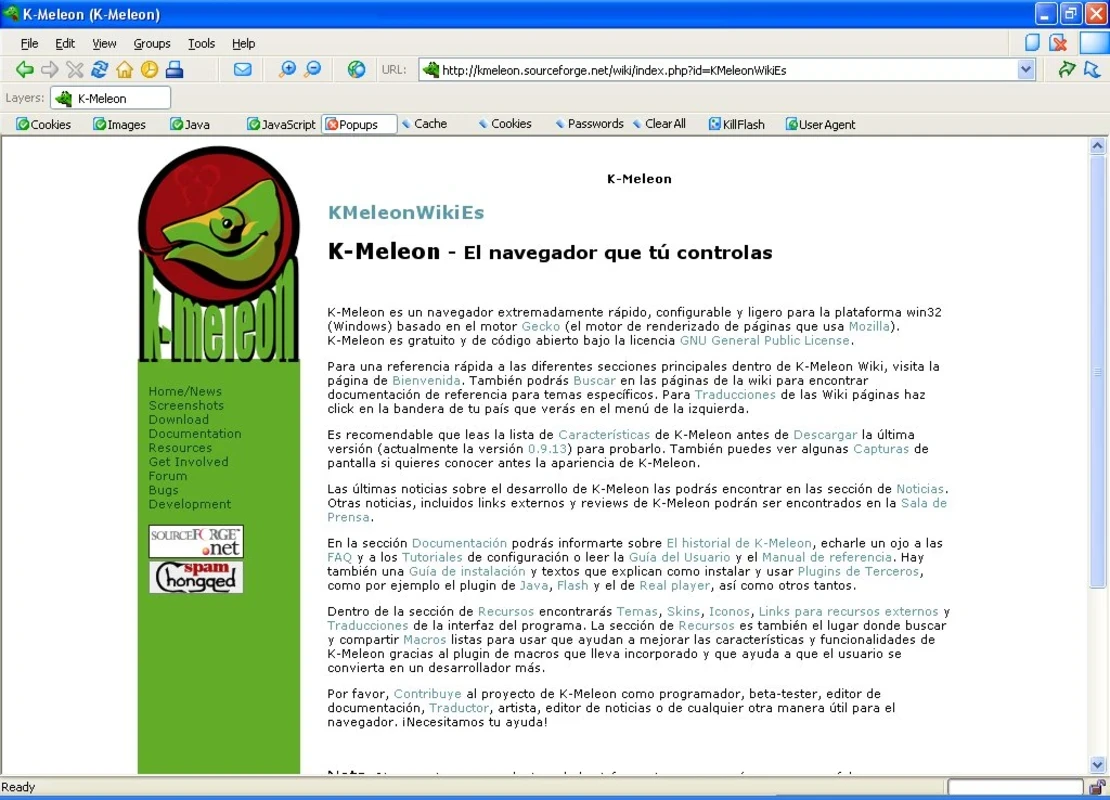
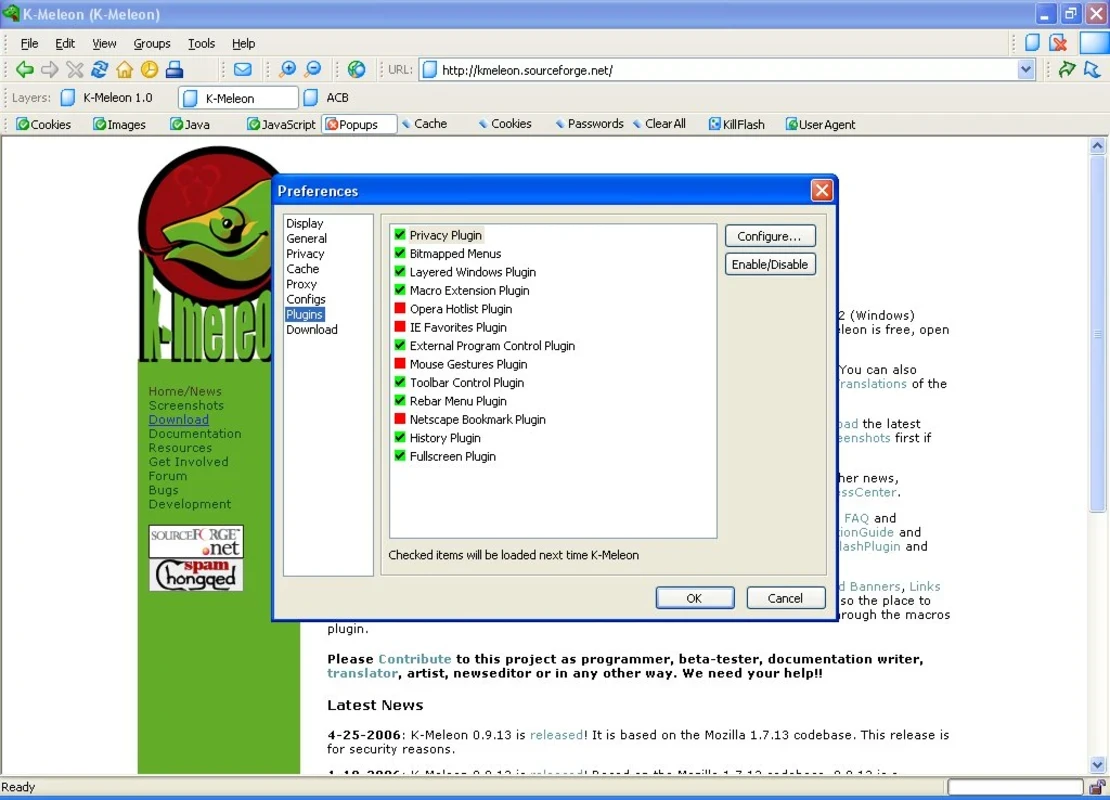
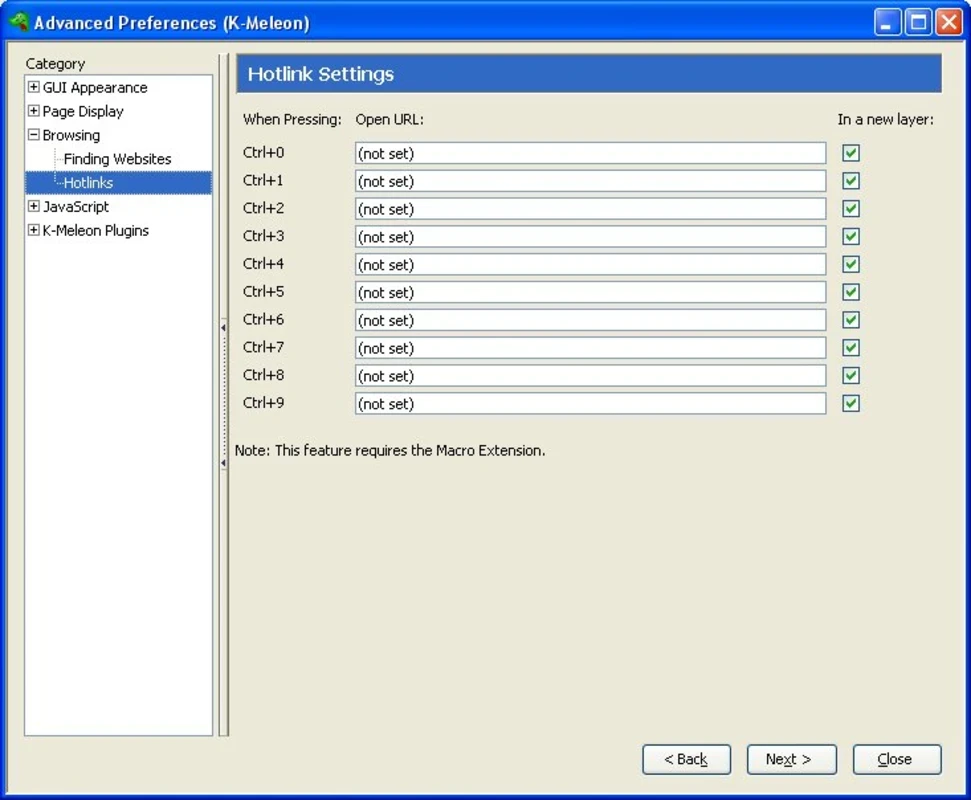
K-Meleon 76.5.3 is a free, open-source web browser for Windows, developed by the K-Meleon project since 2000. You can download it for a modern PC, but its real strength is running well on old hardware and older Windows versions that current mainstream browsers no longer support.
| Item | Details |
|---|---|
| Version | 76.5.3 |
| Developer | Kmeleon.org |
| First released | 2000 |
| Licence | GNU General Public License, version 2.0 |
| Written in | C++, JavaScript |
| System | Windows XP Service Pack 3 or newer |
| Memory | 250 MB RAM |
| Disk | 100 MB |
| Size | about 34.94 MB according to catalogue data |
| Website | kmeleonbrowser.org |
K-Meleon is a Windows-only browser built around the Gecko engine, the same family of technology used by Firefox, but wrapped in a native Windows interface instead of a cross-platform one. The project has always cared about two things: speed on modest machines and deep customisation. Almost everything can be changed, from menus and toolbars to keyboard shortcuts and mouse gestures, through configuration files and macros. That makes it attractive for tinkerers and for people who want a browser that looks and behaves exactly the way they like. The other group of users are those with an old PC. The official download page states that Windows XP SP3 is enough, and that 2003, Vista, 7, 8, 8.1, 10 and 11 are all supported. It does not require an SSE processor, and the program itself can start with as little as 20 MB of RAM, although modern web pages will ask for more.
An old engine is the weak spot of any niche browser. Keep K-Meleon updated, read the changelog for fixes, and avoid entering banking details on a system that no longer receives Windows updates. Download it only from the official site or the project repository on SourceForge.
K-Meleon is free and open-source. There are no ads, paid tiers or accounts.
On a very old PC, disable images or scripts for heavy sites through the preferences and keep only a few tabs open. The portable edition is handy for carrying your settings between computers on a USB stick.
Other browsers on our site that suit older or low-end PCs include Pale Moon, Mypal68 and Firefox ESR. For a mainstream option there are Microsoft Edge, Chromium and Waterfox.
Opera is a free web browser for Windows from Opera Software. The stable release is 136.0.6008.22, published on 17 September 2026.

UC Browser for Windows is the desktop version of the web browser from UCWeb, a Chinese mobile internet company.

Google Translate is Google's multilingual machine translation service, used on Windows through the website and a browser extension.

Microsoft Edge is Microsoft's web browser, preinstalled on current Windows versions and available as a free download for reinstalling or updating.

Mozilla Firefox is a free and open-source web browser developed by Mozilla, available for Windows, macOS, Linux, Android and iOS.

Google Chrome is the free web browser from Google. The stable Windows release is 154.0.8037.58, out since 22 September 2026.

Cent Browser is a free Chromium-based browser for Windows from Cent Studio that adds mouse gestures, tab tweaks and other power-user options.